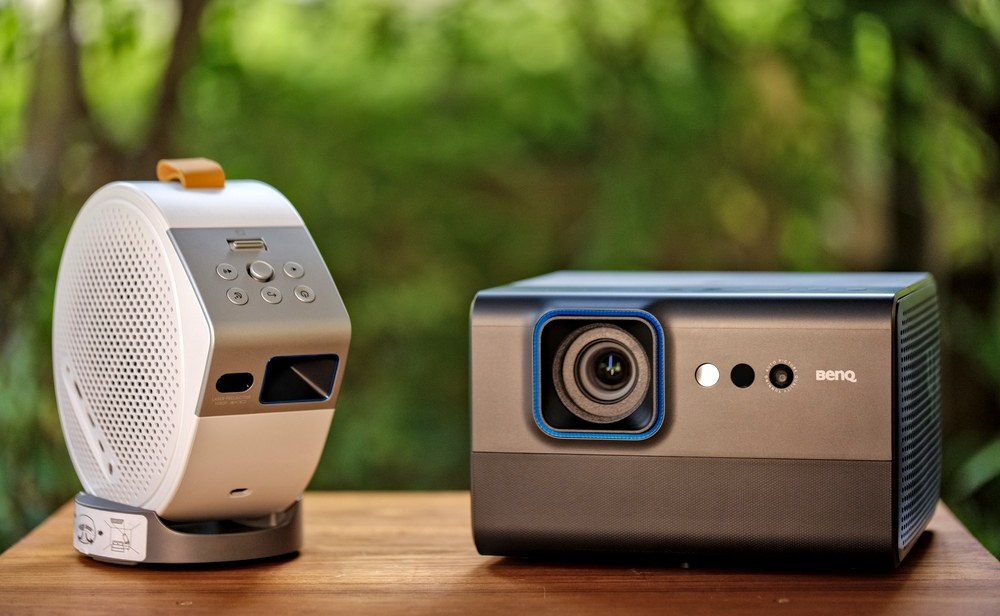
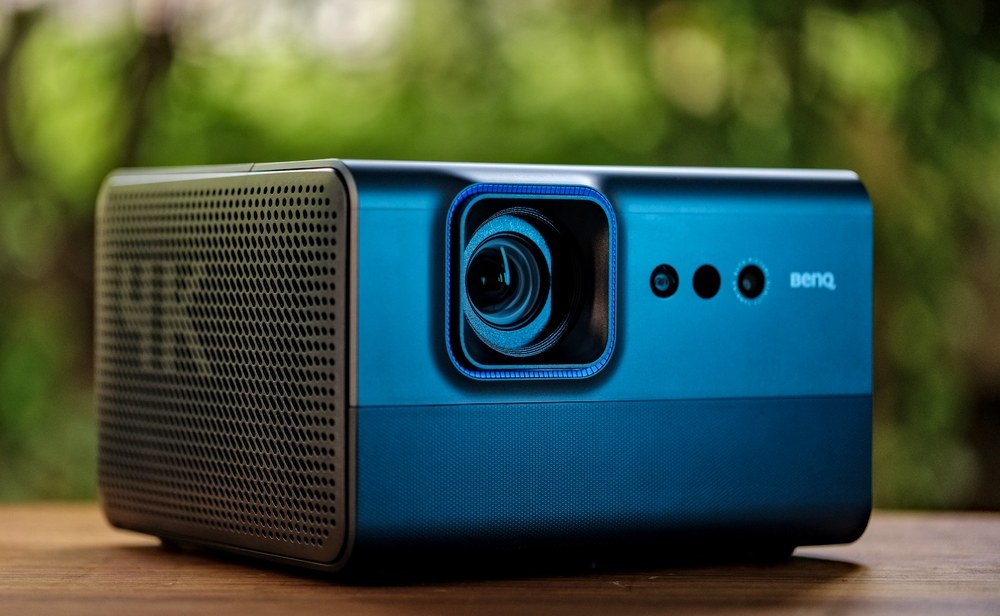
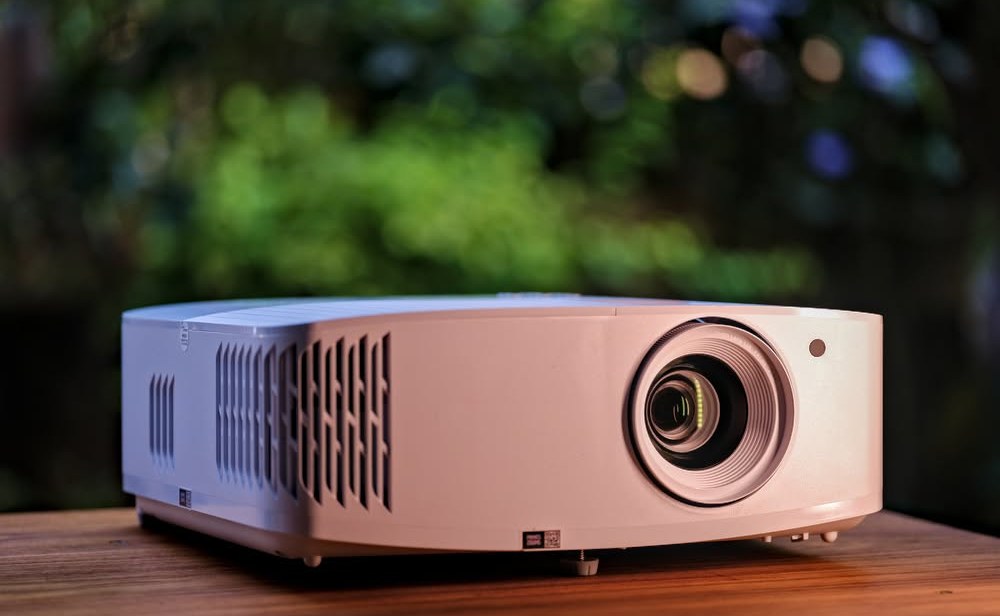
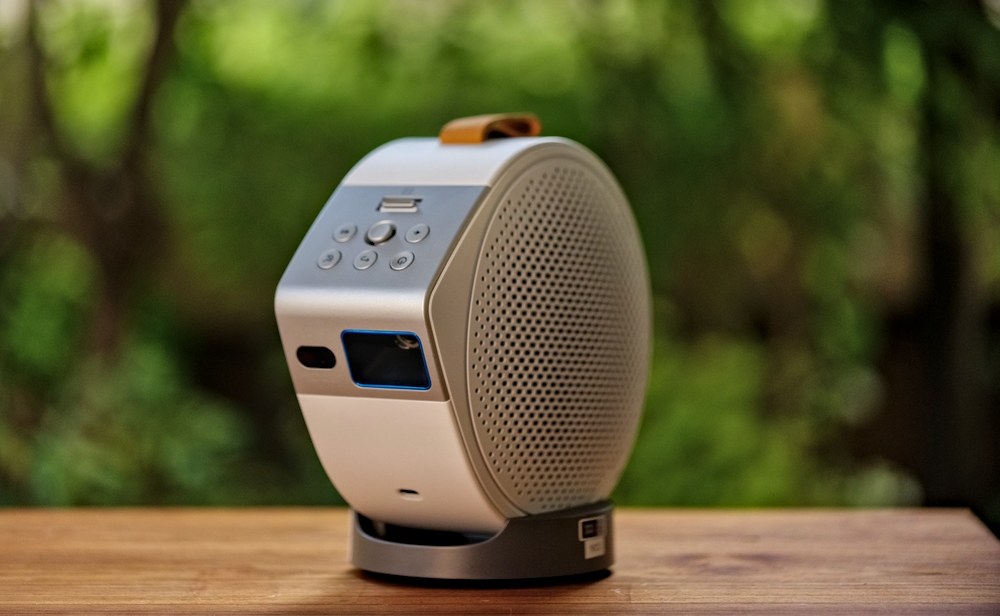
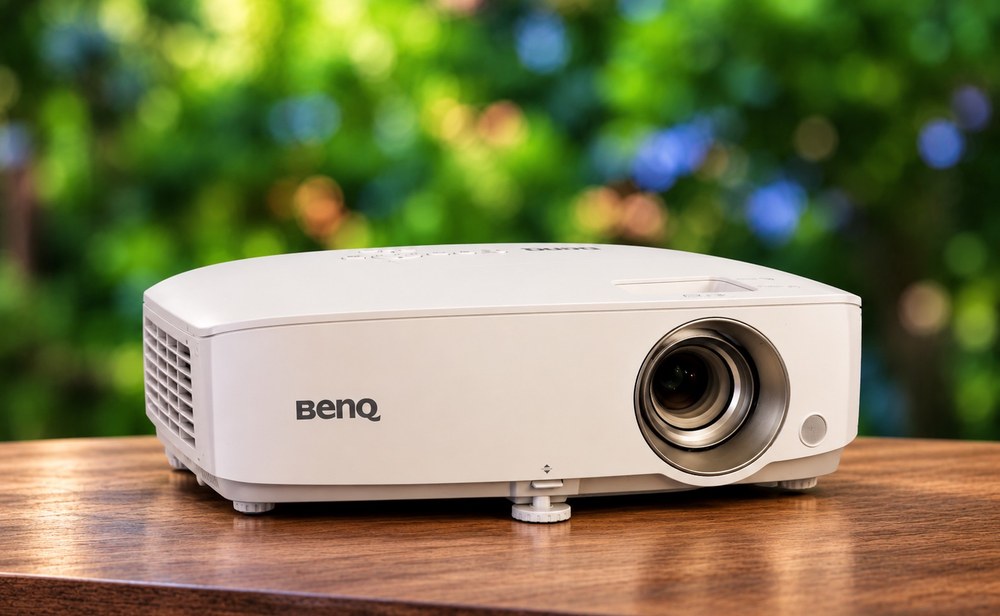
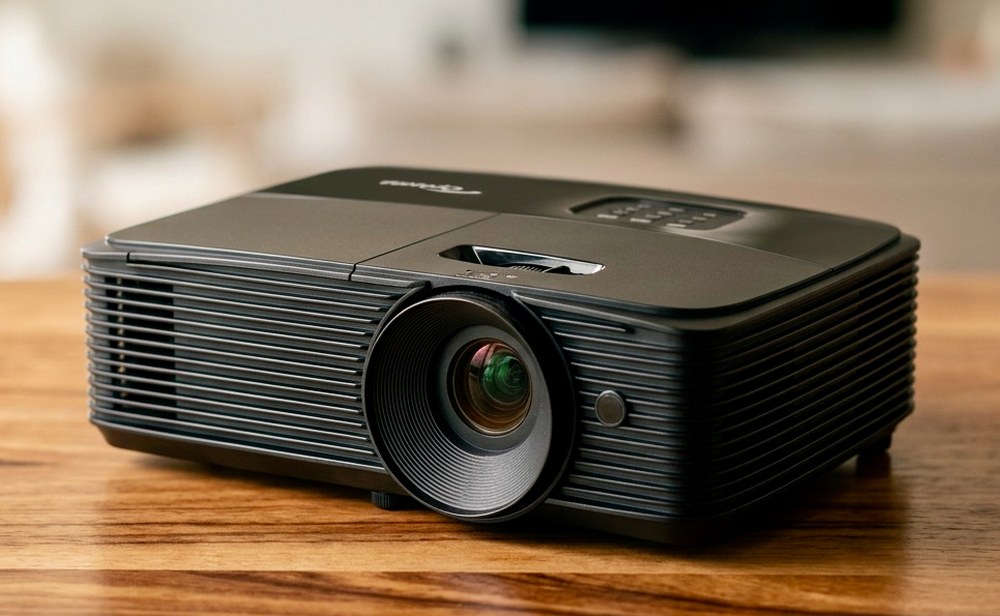
Take the BenQ GP520 for 4K movies and sport, the Optoma UHD33 for gaming and brighter rooms, the BenQ GV50 for small dark rooms, the BenQ W1050 for Full HD at a lower rent, and the Optoma W400LVe for meetings and classrooms where the lights stay on.
The GP520 has Google TV built in, so you can open your streaming apps without a stick or a laptop. It is 4K and has a Cinema picture mode. Rent a screen, connect the Denon sound bar to the projector's audio output for proper movie sound, and switch off the room lights.
Rent for the evening. Collect it the evening before and test the picture on your wall.
Cricket and sports nights
BenQ GP520
The GP520 has a Sport picture mode and Google TV, so you can stream the match straight from the projector. Draw the curtains, seat everyone facing the wall, and send the audio to a sound bar so the commentary and the crowd carry across the room.
One day covers a match evening. Collect it the evening before.
Terrace and garden screenings
BenQ GP520 or Optoma UHD33
Wait for full darkness, because every projector looks washed out in daylight. The UHD33 (3,600 lumens) and GP520 (2,600 lumens) hold up better against a little street light than the smaller models. Put the projector on a steady table level with a screen, check that a power socket is within reach, and keep cables off the walkway.
Book the day of the screening and collect it the evening before to test the throw distance at home.
Gaming with friends
Optoma UHD33
Connect a console or PC over HDMI. The UHD33 has an Enhanced Gaming mode that supports 240Hz at 1080p for PC gaming. Two HDMI inputs let a console and a streaming stick stay plugged in together, and the USB-A port can power the stick. Add an external speaker or the Denon sound bar for the sound.
Rent for the weekend. A 2 day rental uses the 2 day rate.
Small-room movie nights
BenQ GV50
At 2.1 kg, the GV50 is the easiest one to carry and set up. The base tilts, so you can aim it at a wall or the ceiling. It has Google TV built in and a 2.1 channel speaker, so you do not need anything else for a film. At 500 lumens it needs a dark room, which suits small rooms and late evenings.
One day for a night in. Longer rentals cost less per day.
Client previews, portfolios and film screenings
BenQ W1050 or BenQ GP520
When you are showing an album, a reel or a short film, colour matters. The W1050 covers 96% of the Rec.709 colour standard and the GP520 covers 98%. Both look best in a darkened room. Bring your footage on a laptop and connect over HDMI.
Rent for the day of the showing. Collect it the evening before and run your file through it once.
Meetings, training and classrooms
Optoma W400LVe
At 4,000 lumens it copes with a room where the lights stay on. It has both HDMI and VGA, so new and older laptops connect, and a 10W speaker for videos. Vertical keystone correction of up to 40 degrees straightens the picture when the projector sits on a table. The USB port can power a streaming stick.
Book the days of your session. Collect it the evening before and try your laptop with it.
The BenQ GP520. It is 4K, has Google TV built in for streaming apps, and has a Cinema picture mode. For a smaller dark room, the BenQ GV50 is easier to place.
Do I need a screen?
A plain white wall works, but a screen gives a flatter picture. We rent a 7 ft x 4 ft portable screen and a 4 ft x 6 ft screen.
Can I connect a laptop or a phone?
Yes. Every projector takes a laptop over HDMI, and the BenQ W1050 and Optoma W400LVe also have VGA for older laptops. The BenQ GP520 and GV50 support AirPlay and Google Cast for wireless playback from a phone.
Can I use a projector with the lights on?
Every projector looks best in a dim room. Brighter models cope better with some light: the Optoma W400LVe is rated 4,000 lumens and the Optoma UHD33 is rated 3,600 lumens. The BenQ GV50 is 500 lumens, so keep that one for a dark room.
Is sound built in?
The BenQ GP520, GV50, W1050 and Optoma W400LVe have built-in speakers. For movies, add the Denon DHT-S514 sound bar with subwoofer. With the Optoma UHD33, use an external speaker or the sound bar.
Is it cheaper for longer rentals?
Yes. Rent is quoted for 1, 2, 5 and 9 days, and the per day cost comes down on longer rentals.
How do I get the projector?
Collect it from our Pune store the day before your rental starts, between 4 PM and 7 PM, and return it the day after it ends, between 9:30 AM and 12 PM. We also offer home delivery and pickup in Pune and Mumbai. Call us to confirm for your location.
Need a projector for your dates?
Call or message us with your dates and we will confirm availability.
Sorry but the selected product is not available in the quantity you requested. Please enter your contact details below to see if we can accomodate your request